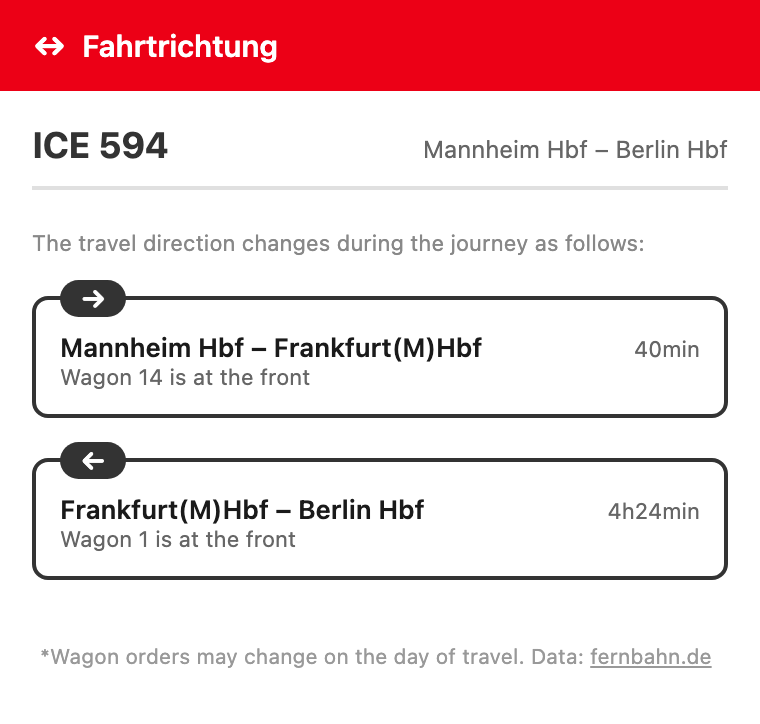
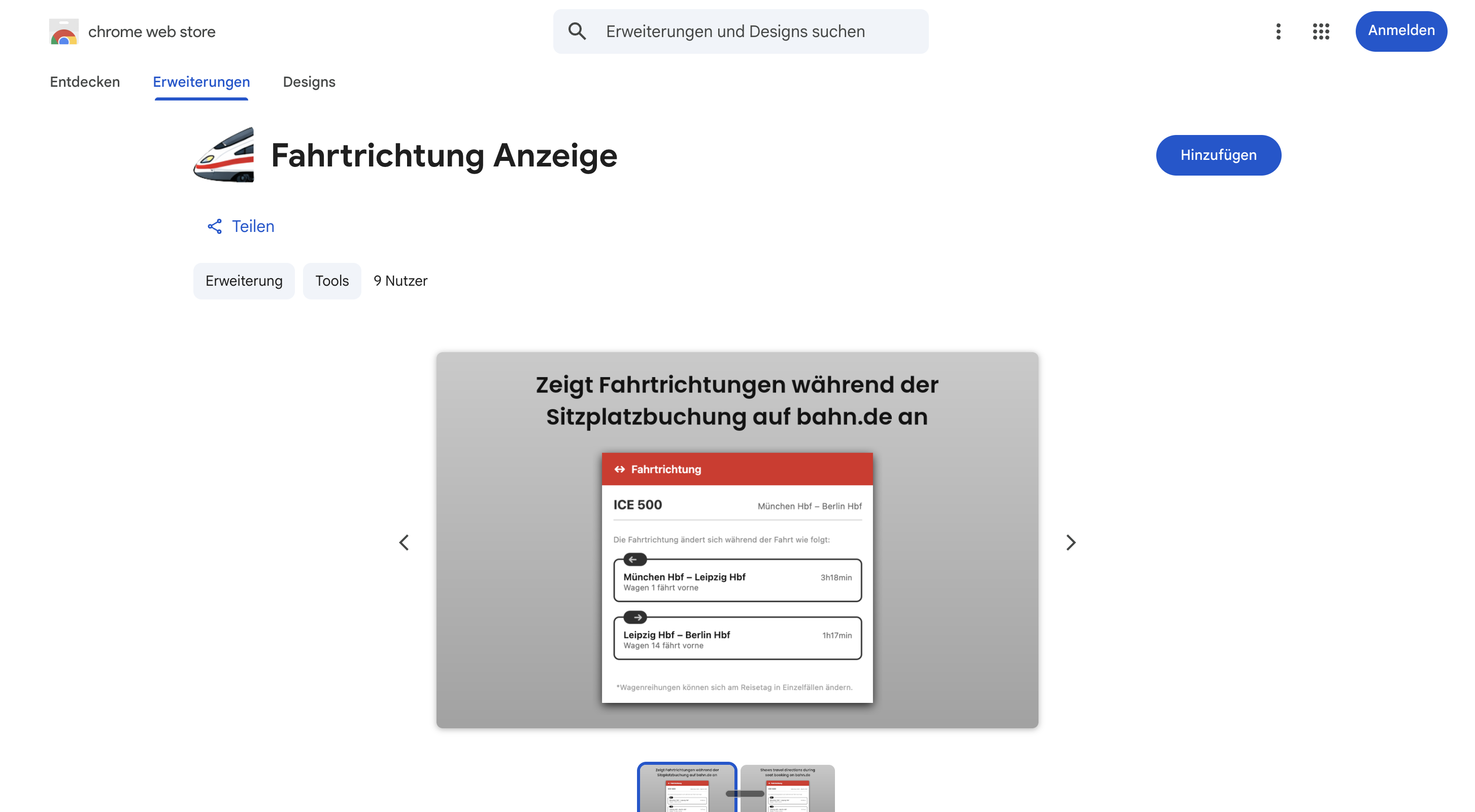
bahn.de tells you everything — except which way the train is going. Fahrtrichtung (German for “direction of travel”) shows you with one click, right in the seat reservation.
No guarantee — but the best data available. The display is based on Deutsche Bahn's official, planned coach sequences. In rare cases the formation can still change at short notice before departure, so there's no 100% guarantee on the direction of travel. Usually it's correct, though, and you're making your choice on the best possible data.
On bahn.de you pick your coach and seat, you see window and aisle — but never which way the train is actually going. If you get motion sick or simply like to look ahead, you're left guessing. The official data exists — it's just not easy to find.
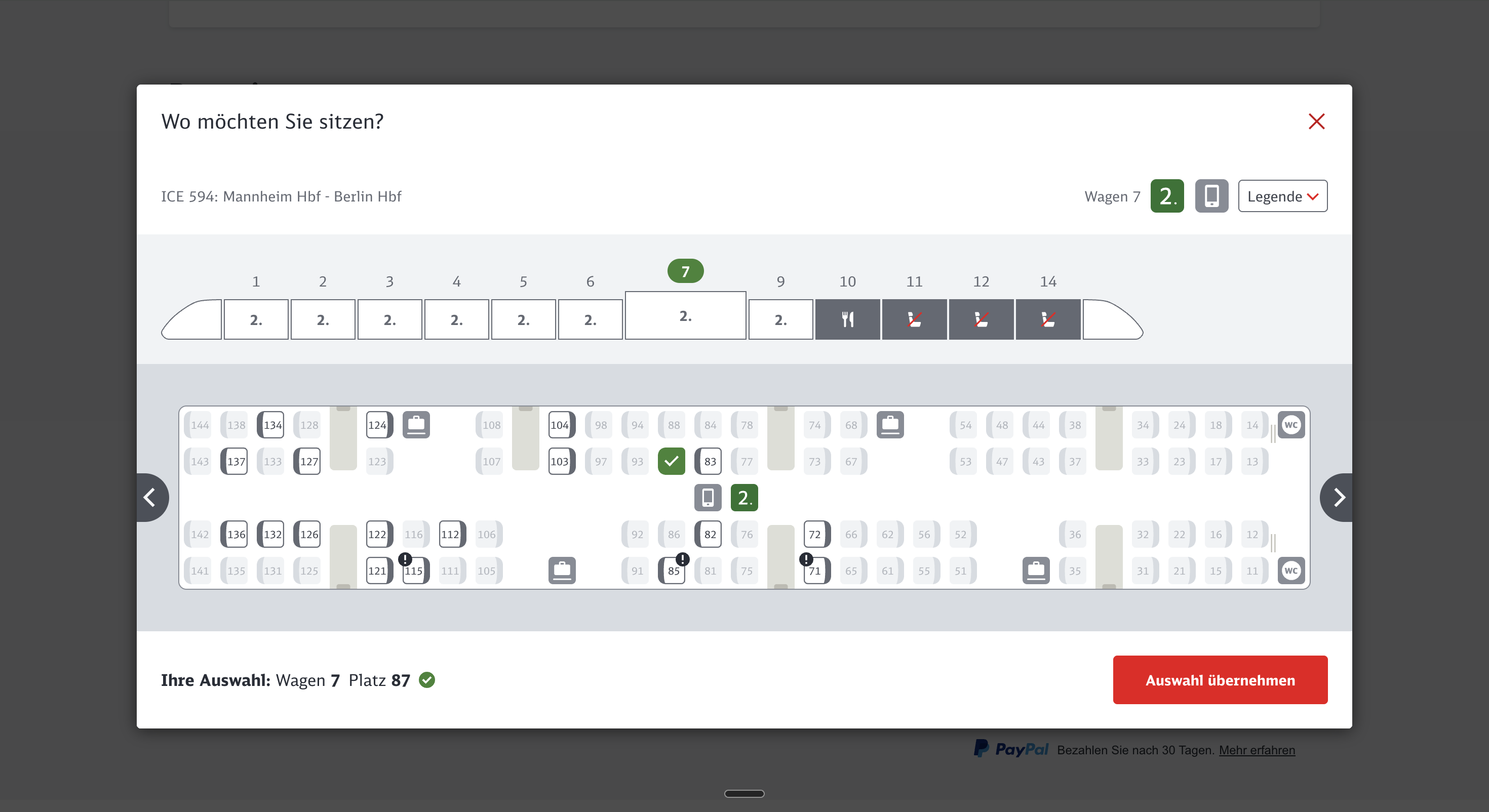
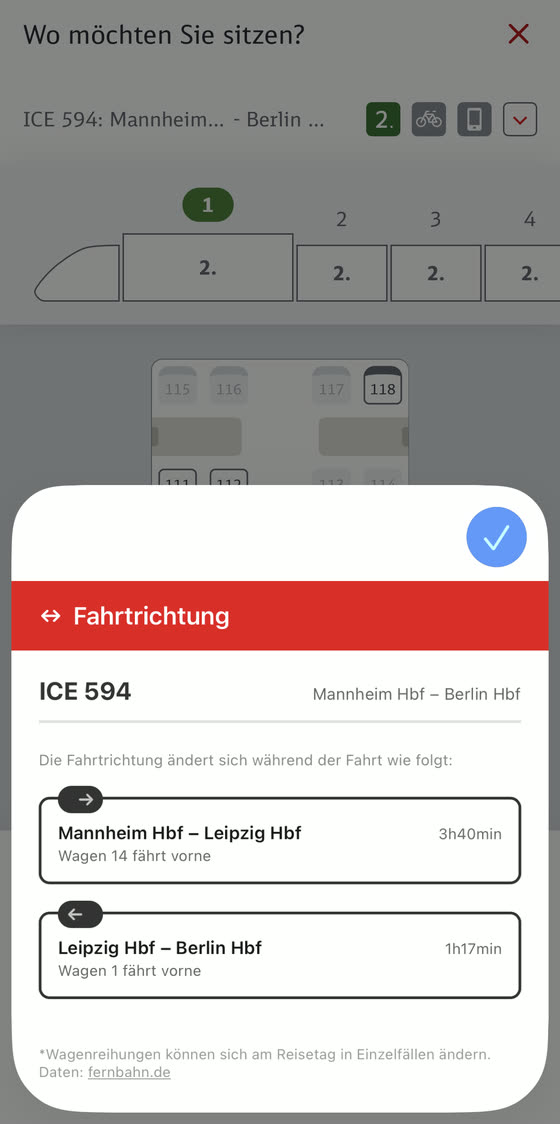
When you choose a seat on bahn.de (the dialog titled “Wo möchten Sie sitzen?” – “Where would you like to sit?”), just click the ICE icon at the top of your browser — and the direction of travel appears instantly.
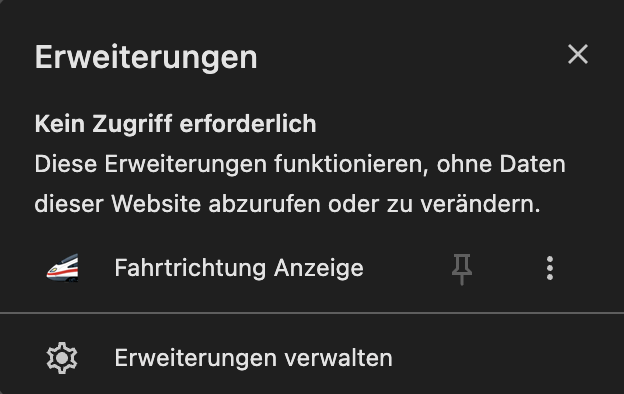
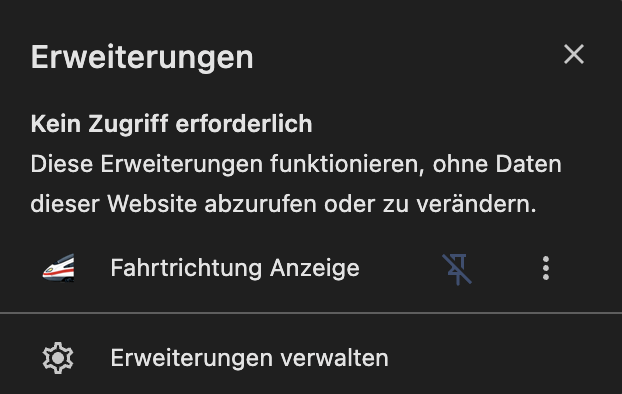
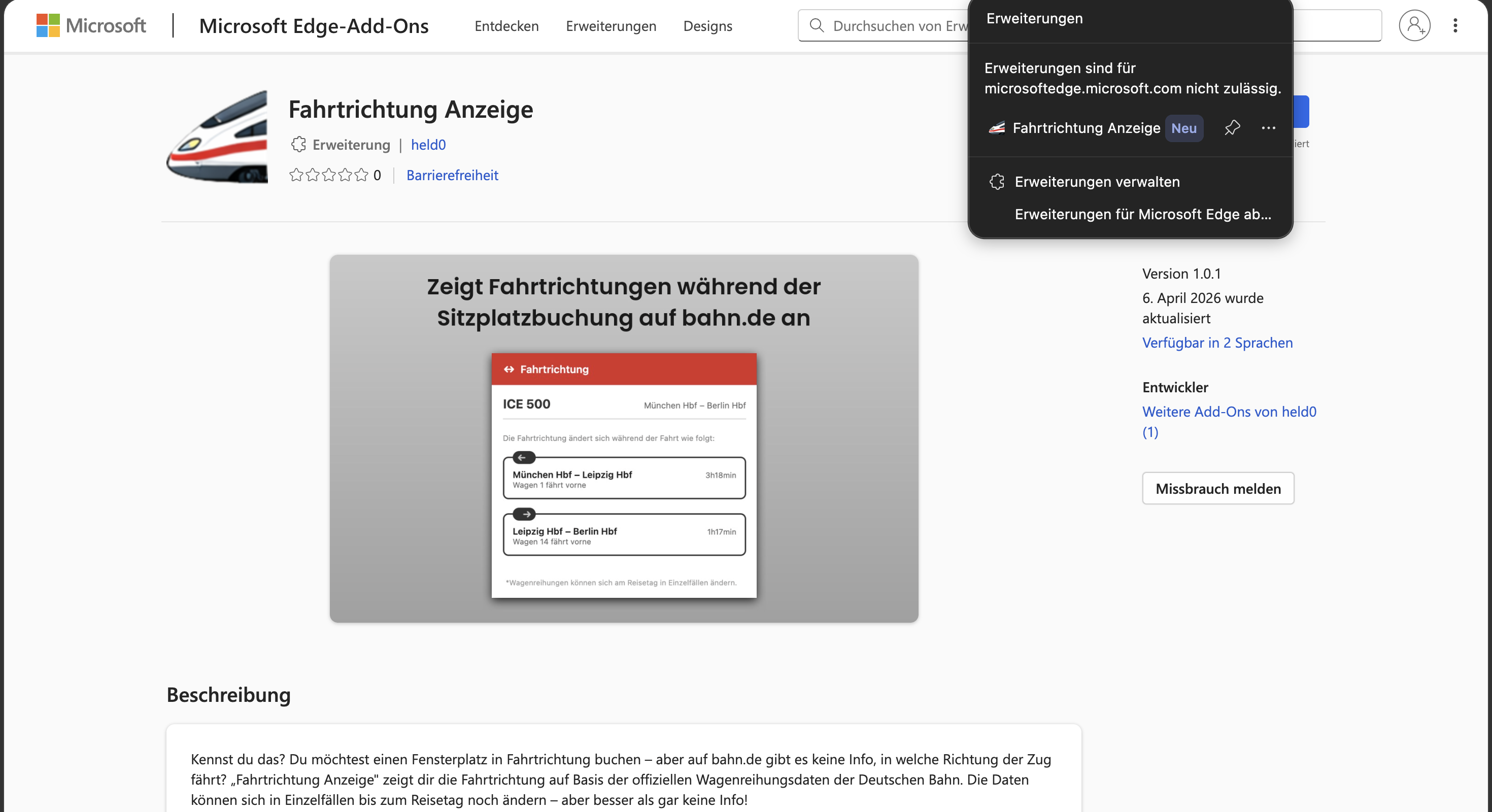
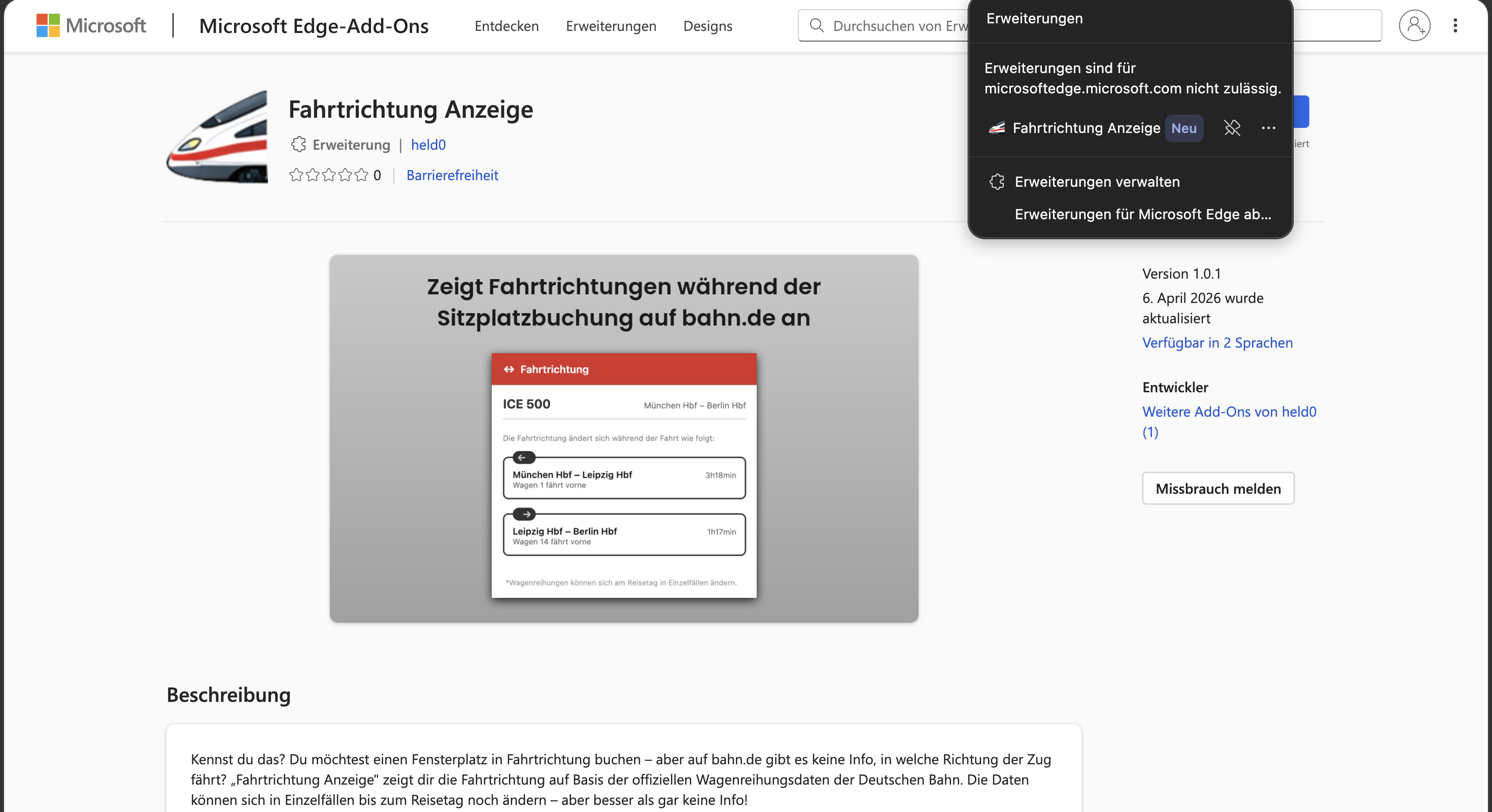
Never used a browser extension before? No problem: once installed, you'll find a small ICE icon in your browser's toolbar, to the right of the address bar. That's “Fahrtrichtung”. Don't see it? Click your browser's extensions icon (usually a puzzle piece) and pin the ICE icon so it's always visible. Still not sure how to install it? Here's a step-by-step walkthrough →
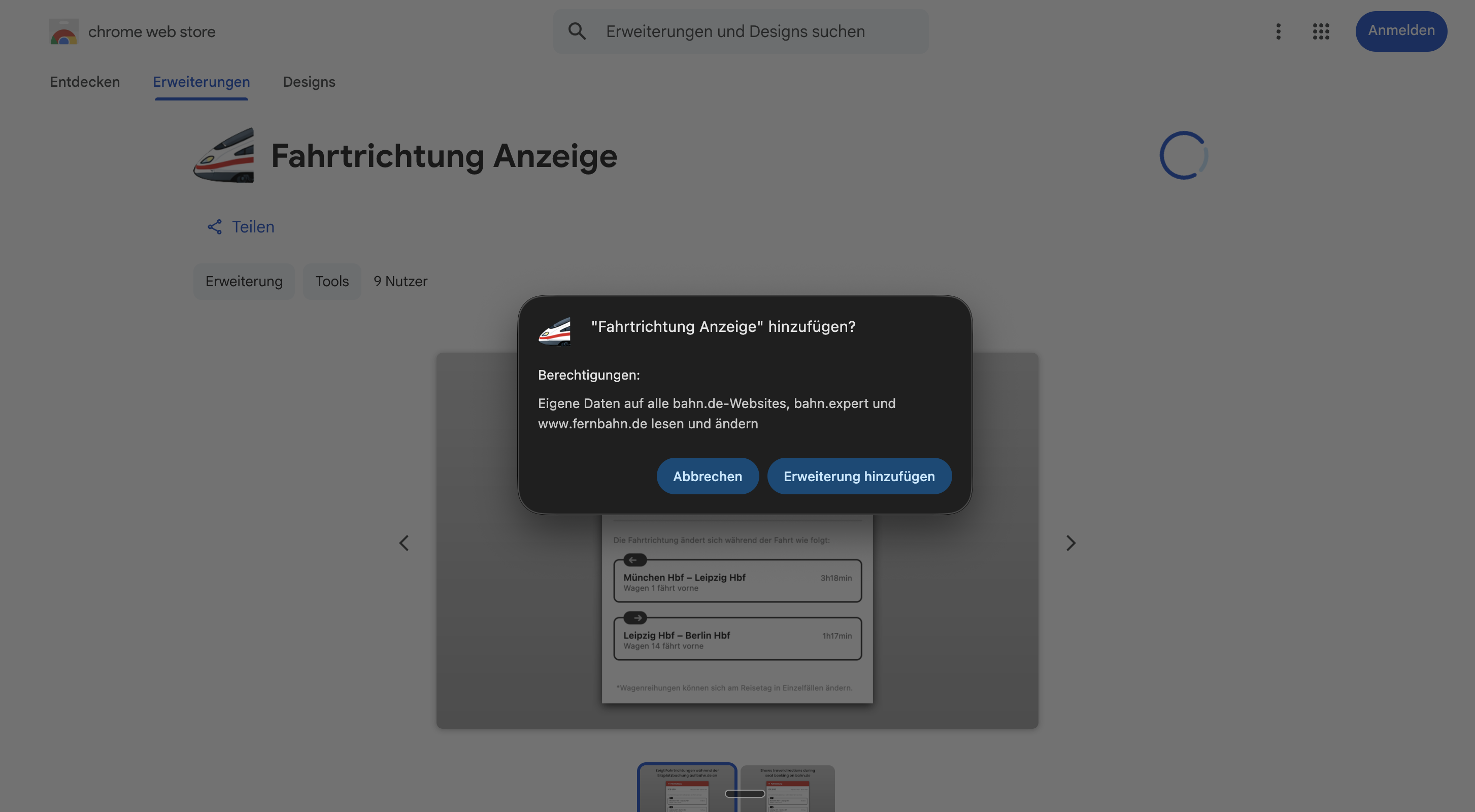
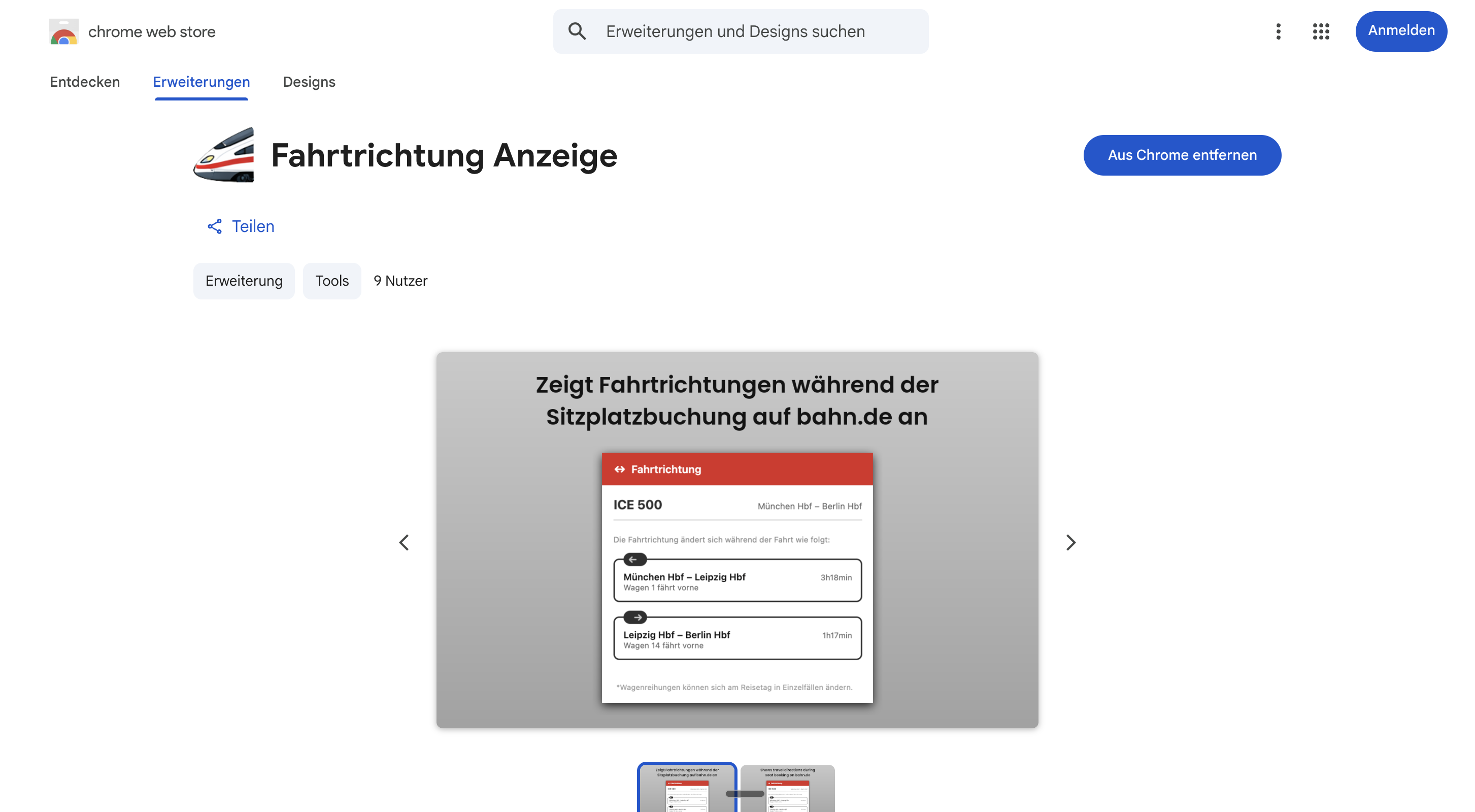
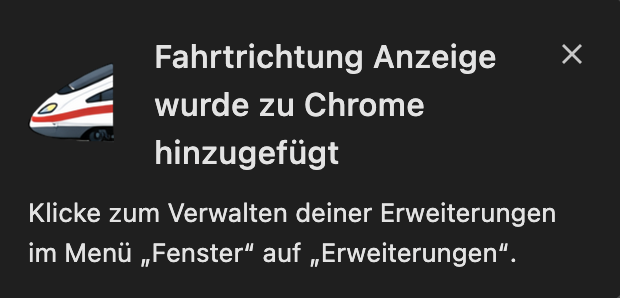
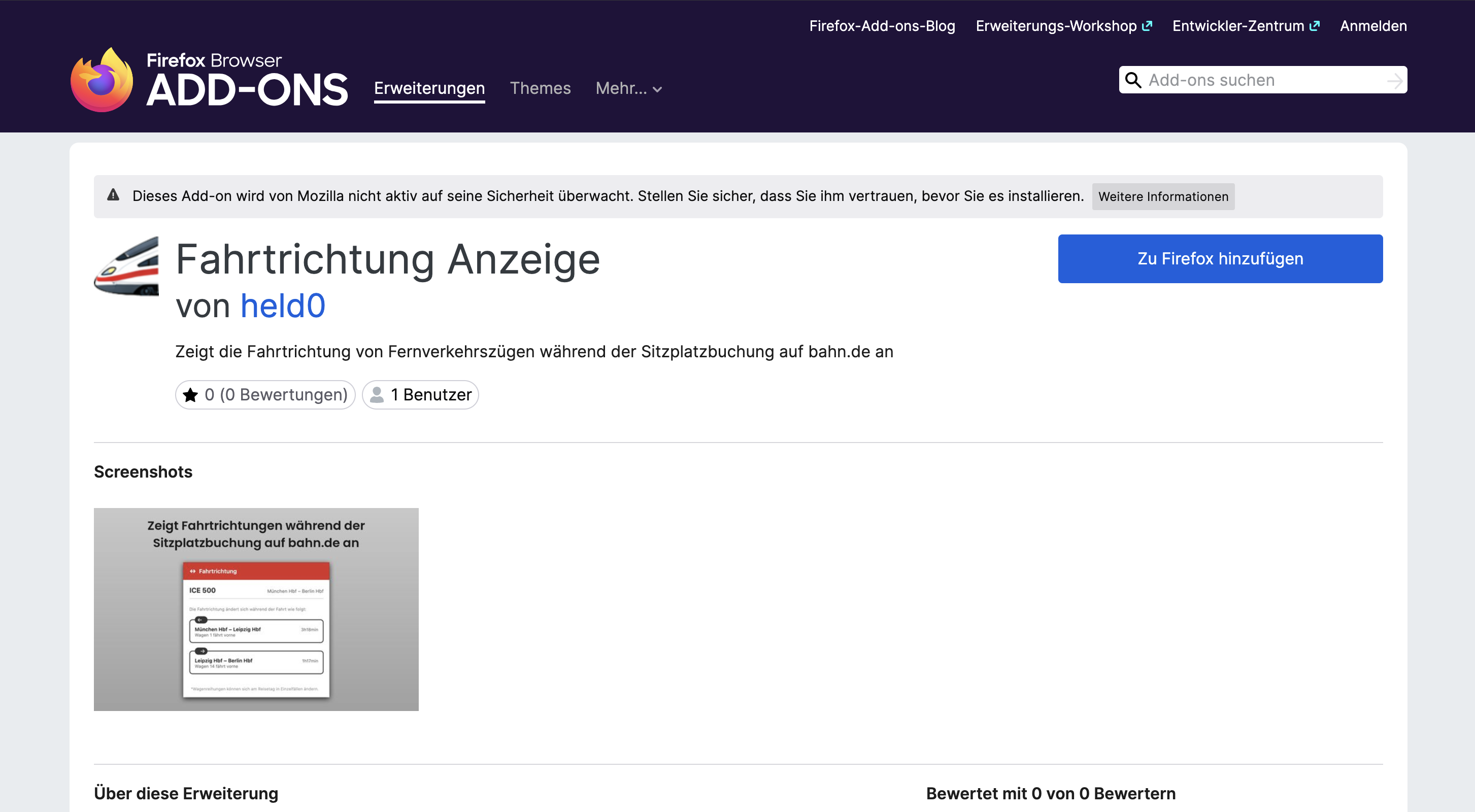
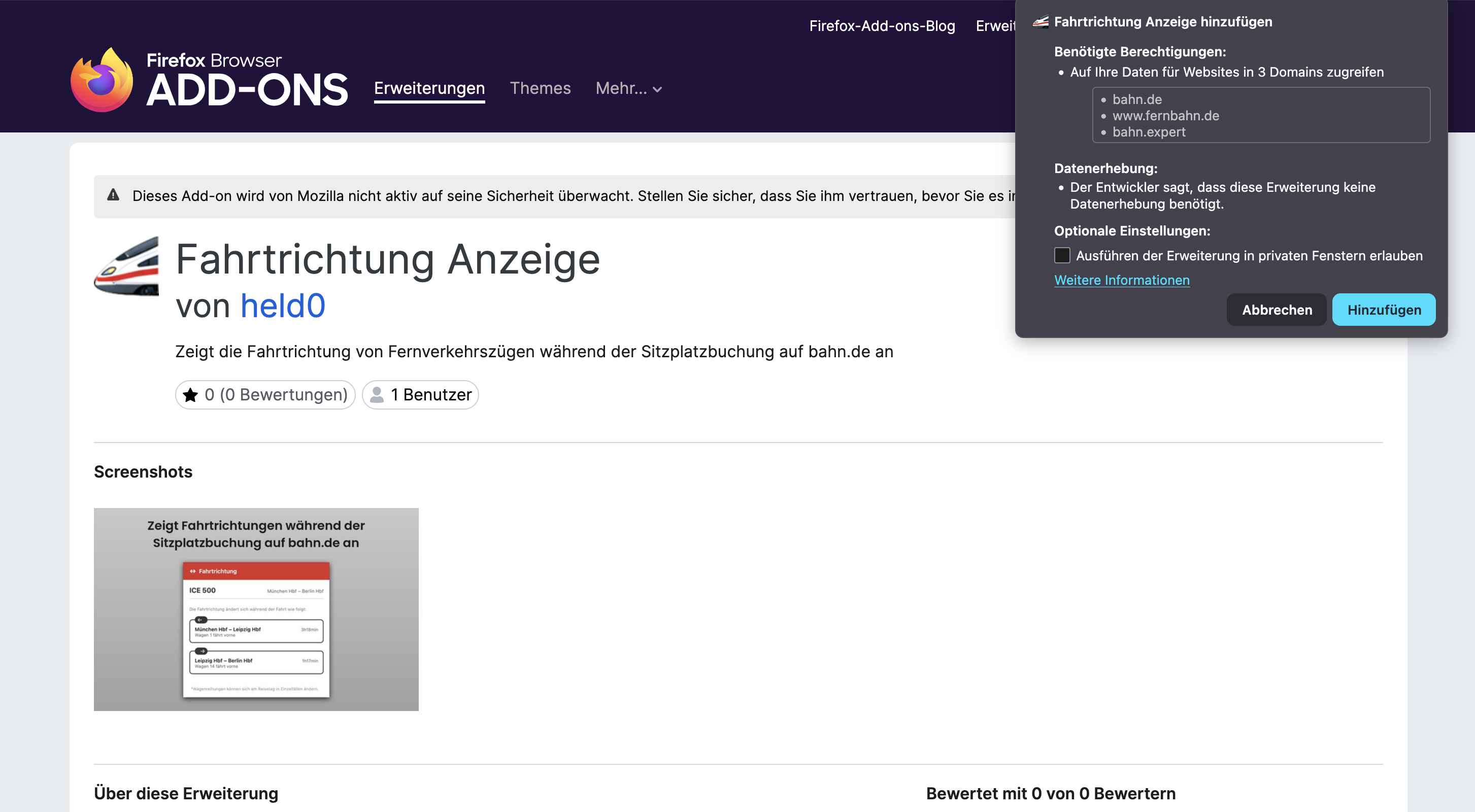
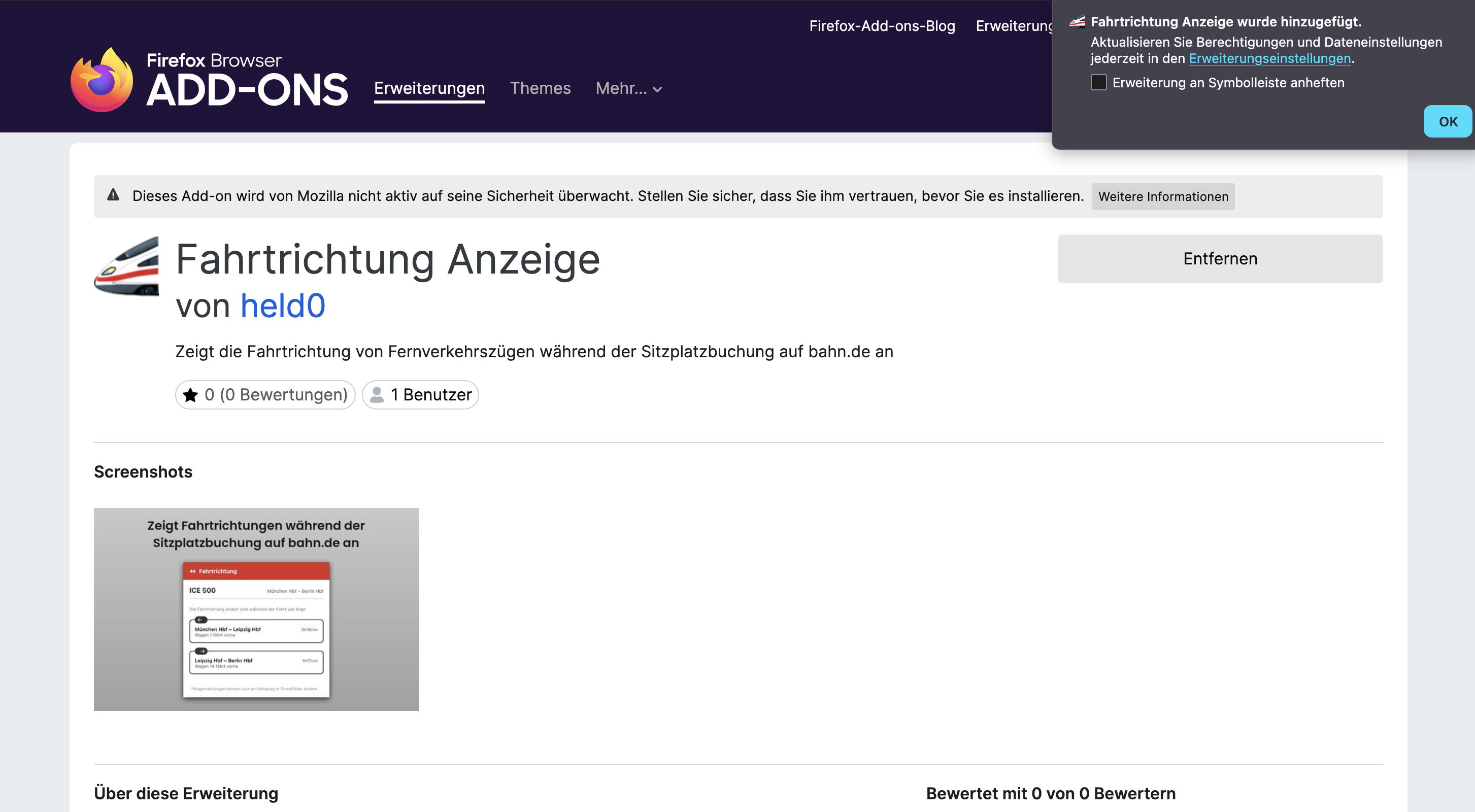
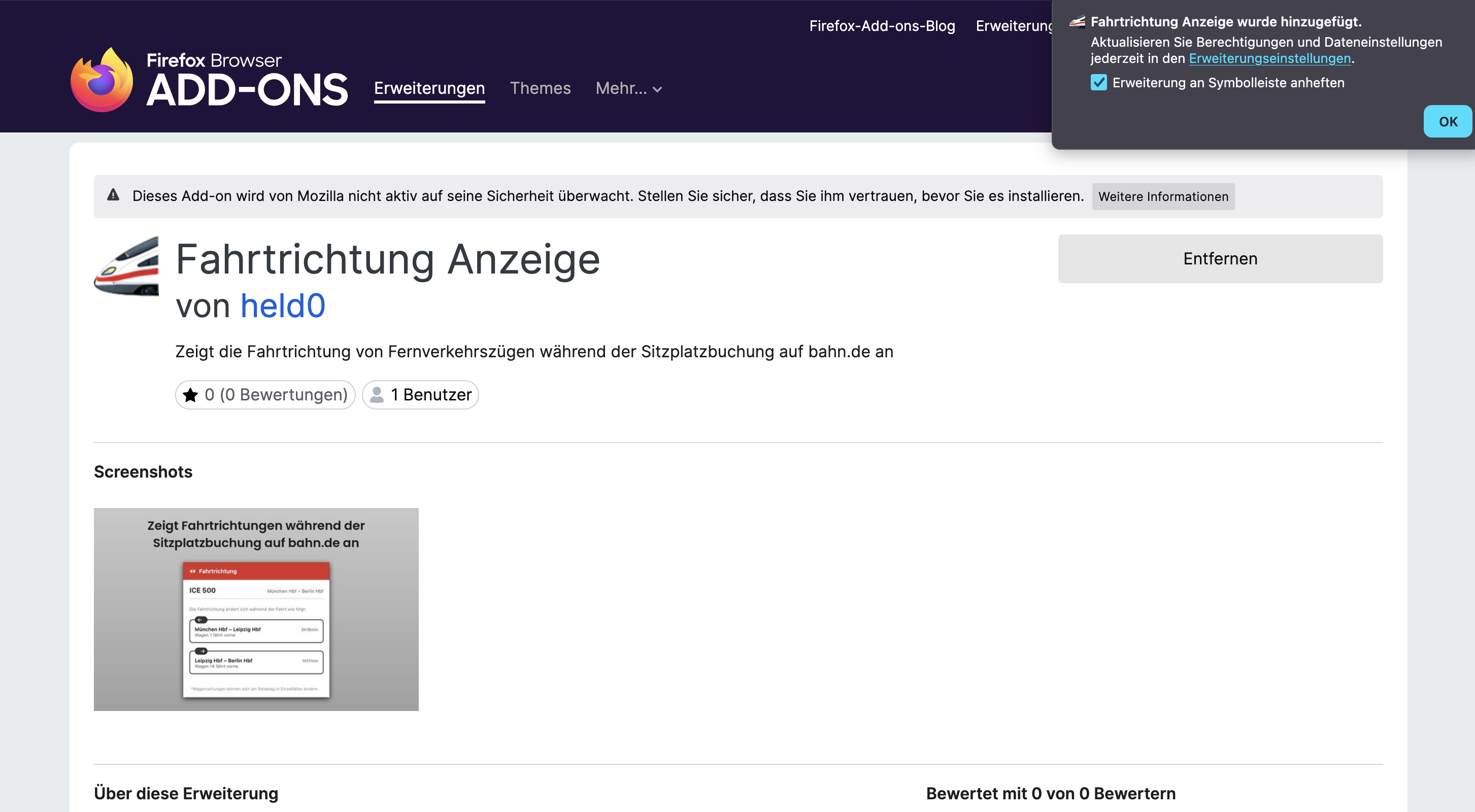
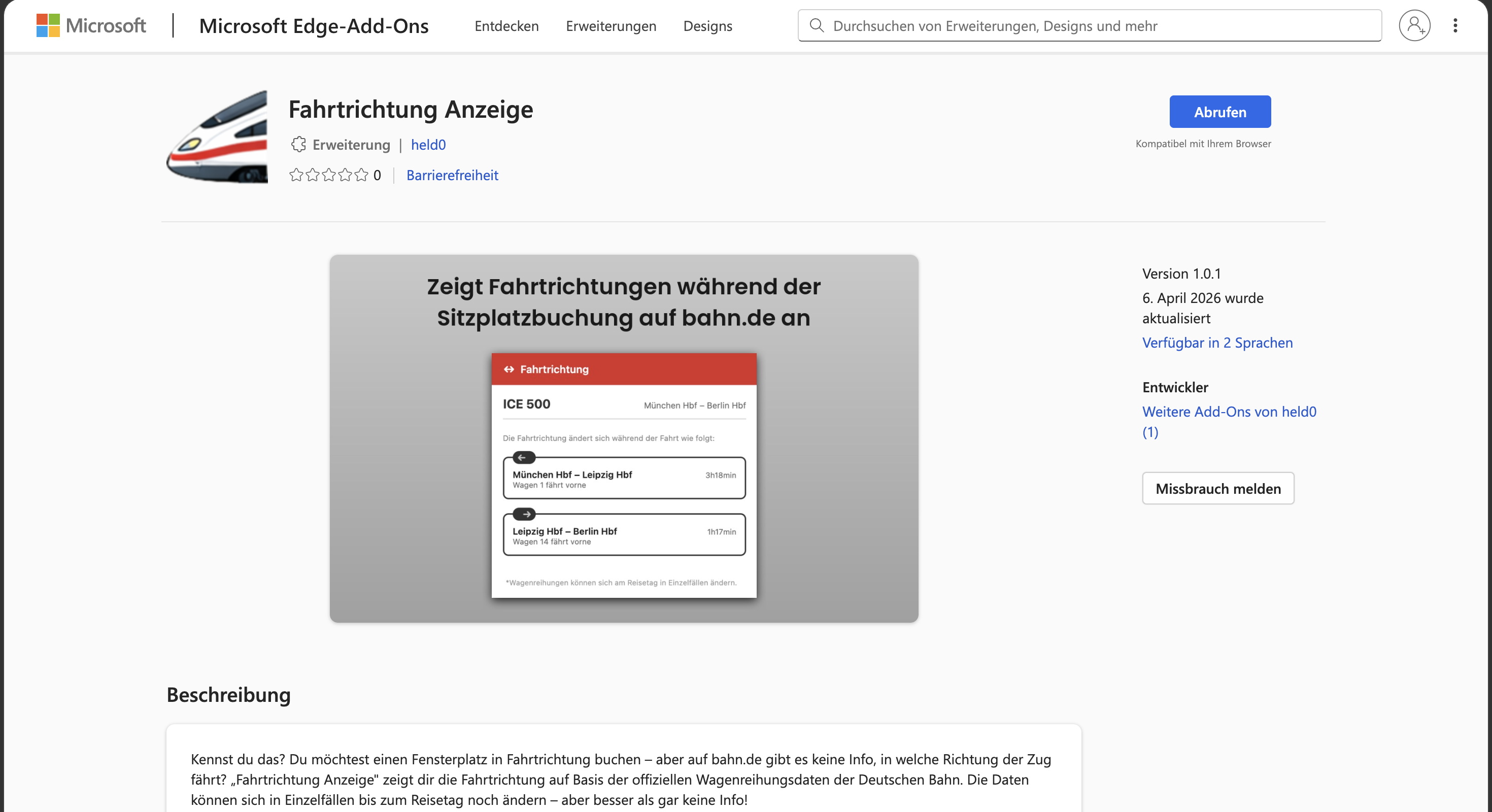
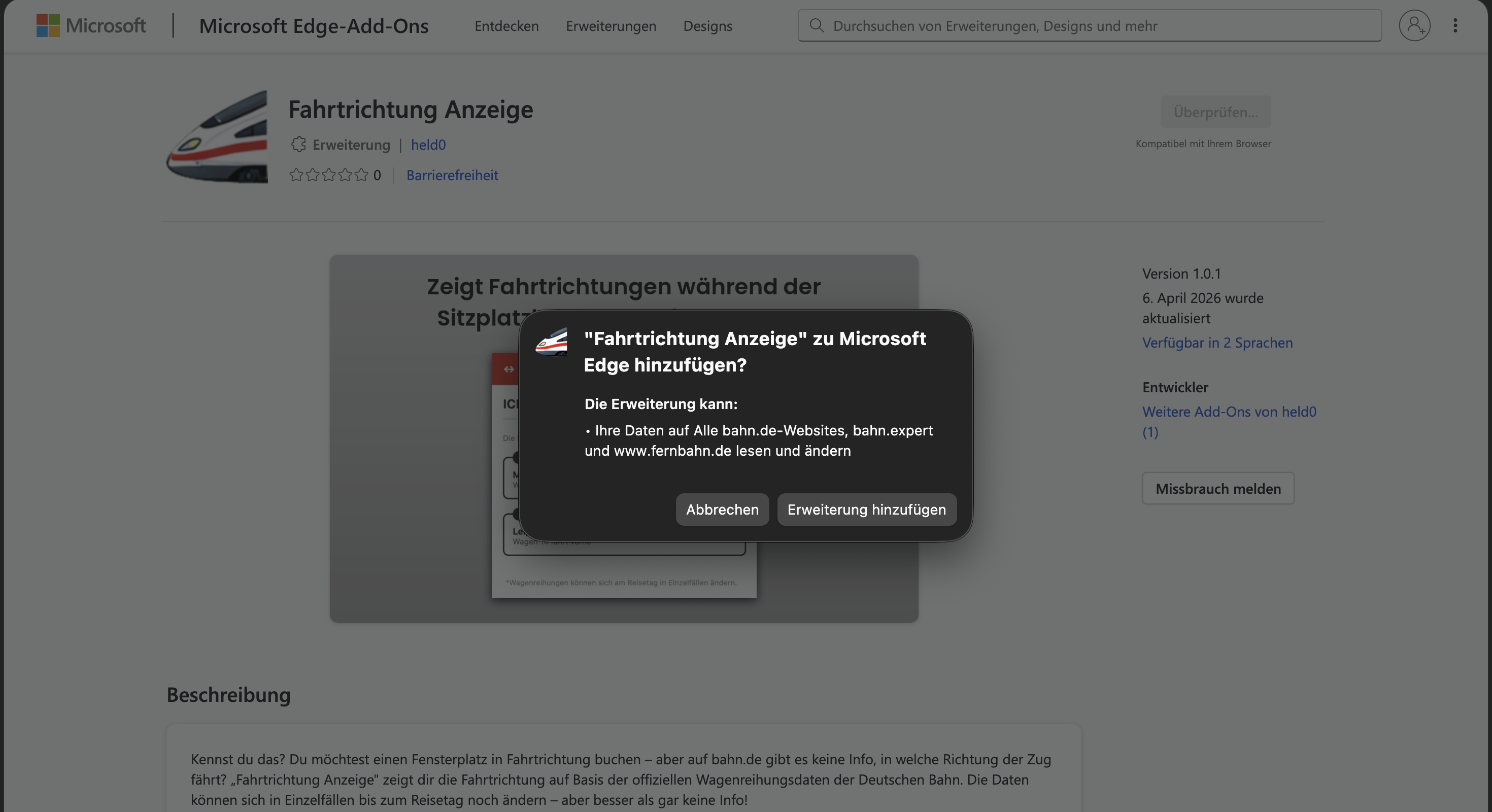
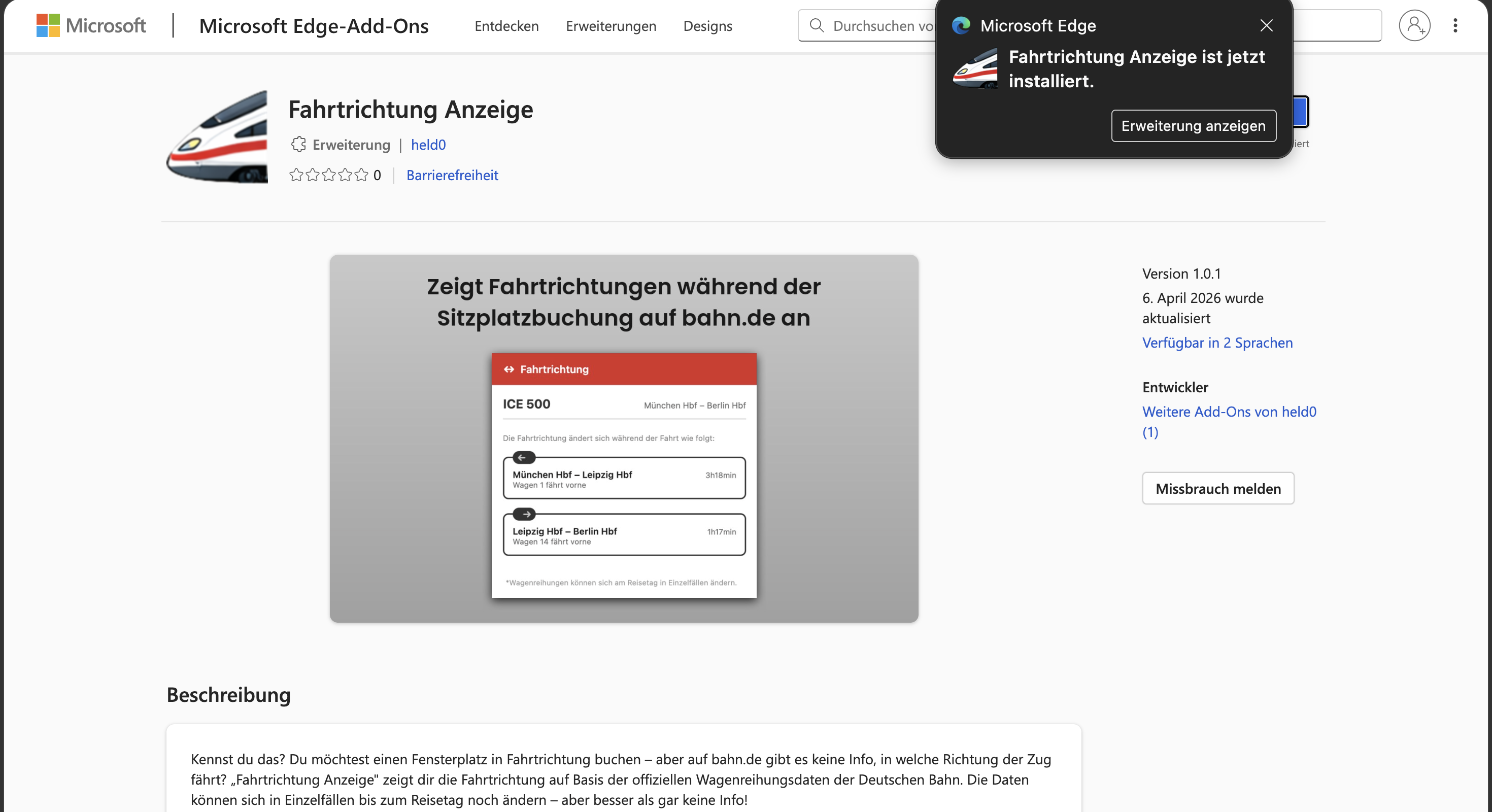
The animation below shows you step by step how to add “Fahrtrichtung” and pin its icon. (The screenshots show a German-language browser — the buttons are in the same place in yours.)
Good to know: the extension runs in Safari, not in the DB Navigator app, so on iPhone you book on bahn.de in Safari. Safari’s warning (“could read all websites …”) is Apple’s standard text for every extension – Fahrtrichtung only reads bahn.de.
Once added, the ICE icon appears in your toolbar. If you can't see it and want it always within reach, just pin it.
It's possible without the extension — but it costs you several minutes and a handful of open tabs every single time.
And on the day of travel, check again to be safe: in the DB Navigator app, tap the coach sequence icon at the station and check the arrow for the current direction of travel — diversions or short-notice changes can still flip it.
The extension does exactly these five steps for you automatically — with the same official data, in one second.
Install now →For each leg: which way the train is going and which coach is at the front — including every reversal along the way.
For each section of the route you see how long you'll be sitting in which direction — forwards or backwards.
Reads your train and route straight from the seat reservation dialog on bahn.de — no typing needed.
Based on Deutsche Bahn's official, planned coach sequences — compiled by fernbahn.de.
The interface is available in English and German and automatically matches your browser language.
Automatically takes your travel date into account — the planned coach sequence can differ depending on the day.
All of the code is public on GitHub. A hobby project, not a business.
No tracking, no account, no servers. Everything runs locally in your browser.
Only runs when you click it. No background load, no ads.
bahn.de itself doesn't show the direction of travel. With this extension, you click the extension icon while the seat selection is open and instantly see which way the train runs on each section of the route — calculated from Deutsche Bahn's official coach sequence data.
There's no general answer — it depends on the train's route and can even change along the way. bahn.de doesn't tell you the direction of travel while you book. The extension calculates it from the official coach sequence data and shows you, for every section of the route, which way your ICE is going.
Yes — that's exactly what the extension is for. Open the seat map for your reservation on bahn.de, click the extension icon and you'll see the direction of travel right away, before you pick your seat. That way you book forward-facing on purpose, not by luck.
That depends on the specific train, its route and any reversals along the way, and bahn.de usually doesn't tell you while you book. The extension shows you which coach is at the front for each section of the route.
It can. At some stations the train reverses (terminus stations or other reversals). The extension lists each of these changes separately, so you know from which point on you'll be sitting backwards.
No, there's no 100% guarantee. The display is based on the official, planned coach sequences. In rare cases the formation can still change at short notice before departure. Usually it's correct, though — and it's the best data you can base your decision on.
No. The extension has no tracking and no user account. It runs locally and only does anything when you click it. It gets the coach sequence directly from fernbahn.de, and stops and times from bahn.de.
Chrome, Firefox and Edge on a computer, plus Safari on iPhone and iPad (via the “Fahrtrichtung” app on the App Store). On a computer, installing it takes less than 10 seconds.